
Protecting Sensitive Data: How to Password Protect Your PDFs Locally
Security shouldn't be complicated. Learn the most effective ways to encrypt your documents without ever letting them leave your computer.
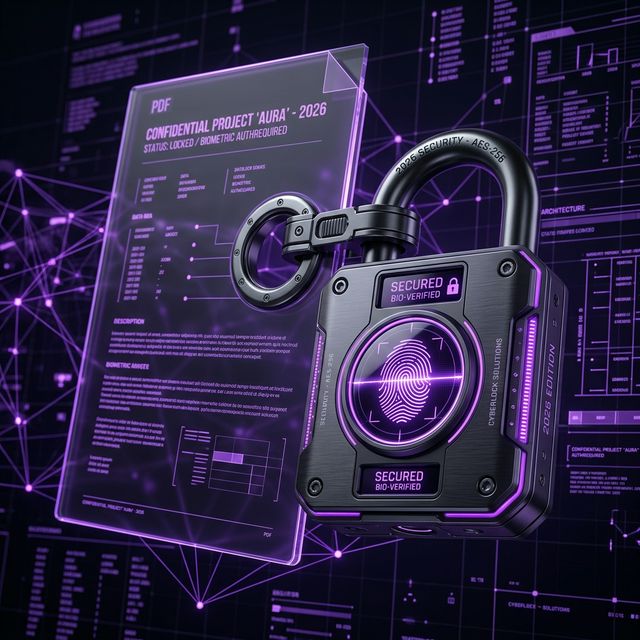
Protecting Sensitive Data: How to Password Protect Your PDFs Locally
In our increasingly digital world, a "Locked Document" is just as important as a locked filing cabinet. From financial statements to medical records, some files simply shouldn't be accessible to anyone with a link or a shared laptop.
In 2026, encryption technology is more accessible than ever, but the way you encrypt your files matters.
The Danger of Traditional Online Encryption
Most "free" PDF security websites require you to upload your sensitive (and currently unencrypted) file to their server. This means for a few seconds, your private data is sitting on a third-party server in its raw form. If that server is intercepted or breached, your password protection was useless before it even started.
The Local-First Solution
The safest way to protect a PDF is to do it in the browser memory or on your desktop software. This way, the file is encrypted before it ever touches the internet (if it ever does).
How to Encrypt a PDF on Postification:
- Go to the Protect PDF tool.
- Drop your file into the secure zone.
- Enter a strong password (aim for 12+ characters with symbols).
- Our engine uses AES-256 encryption—the industry standard—to lock the file locally.
- Download your new, protected PDF.
What is AES-256?
You'll see this term often. AES-256 (Advanced Encryption Standard with a 256-bit key) is the standard used by governments and banks worldwide. As of 2026, there are no known ways to "crack" an AES-256 encrypted file through brute force in any reasonable timeframe.
Tips for a Strong PDF Password
- Don't use birthdates or common words.
- Use a Passphrase: "Sky-Blue-Mountain-2026!" is much harder to crack than "Password123".
- Don't Forget It: Because the encryption is truly secure, there is no "Forgot Password" button for an encrypted PDF. If you lose the key, the data is gone forever.
Conclusion
Document security is a critical part of digital hygiene in 2026. By using local-first tools like Postification, you can ensure that your most sensitive information stays between you and your intended recipient.